
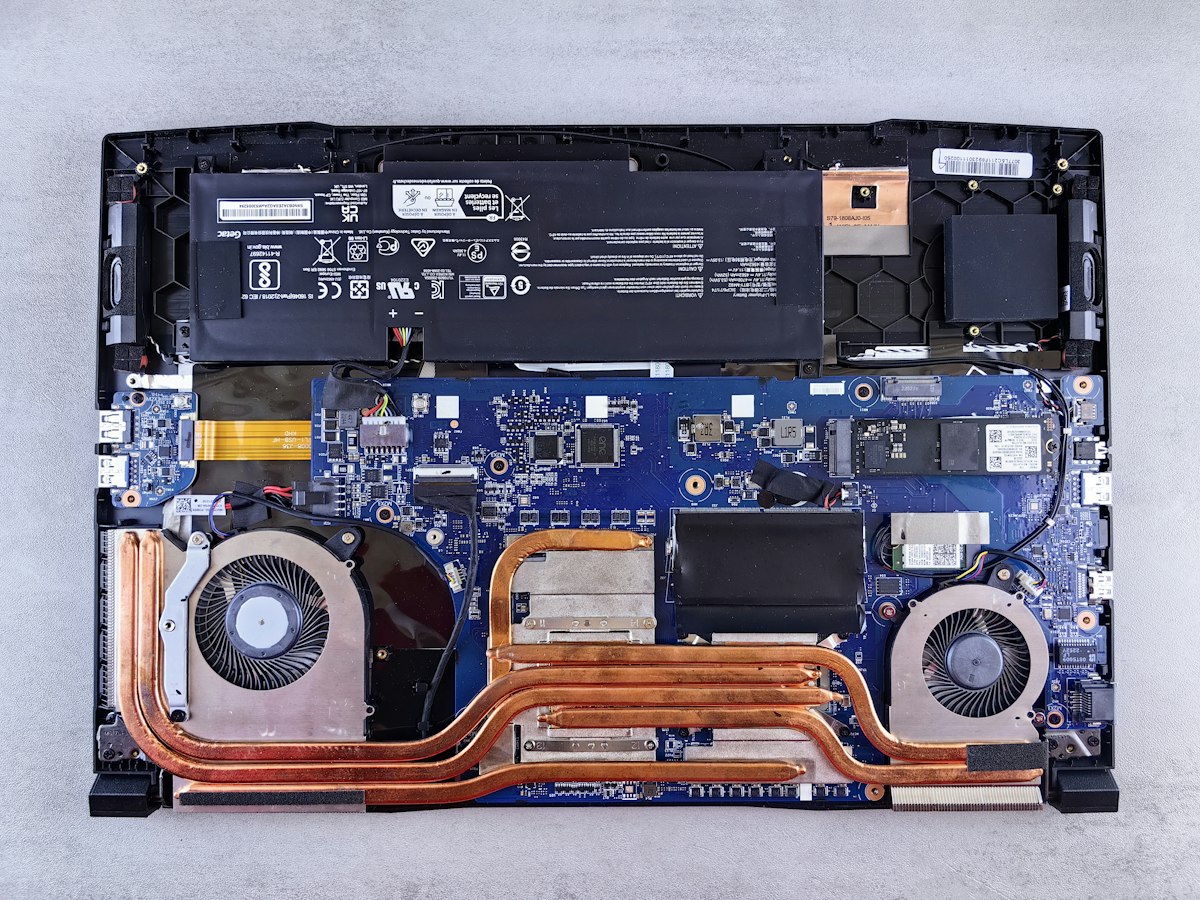
Knowing your exact laptop model helps you get the right part and an accurate repair quote. Here’s where to find it on the most common makes.
On any Windows laptop
Press the Windows key, type System Information and open it. Look for System Manufacturer and System Model. You can also look at the label on the underside of the laptop.
Dell
Dell laptops have a Service Tag on a sticker underneath, and in the Dell SupportAssist app. The Service Tag identifies your exact model. See our Dell laptop repair page.
HP
HP laptops show a product number on the label underneath. On many HP laptops you can also press Fn and Esc together to open System Information, or check the HP Support Assistant app. See our HP laptop repair page.
Lenovo
Lenovo laptops show the machine type and model (MTM) on the label underneath, and in the Lenovo Vantage app. See our Lenovo laptop repair page.
Asus, Acer, MSI and others
The model is printed on the label underneath the laptop, and shown in System Information in Windows.
Apple MacBook
Click the Apple menu and choose About This Mac to see the model and year. The model number starting with “A” is also printed on the underside. See our Mac and MacBook repair page.
Send us your model
Message us your make and model with a short description of the problem, and we’ll come back with a price. Diagnosis is free, and we repair all makes and models.
Frequently asked questions
Where is the model number on my laptop?
It’s usually on a label underneath the laptop. On Windows you can also open System Information and look for System Model. On a Mac, choose About This Mac from the Apple menu.
What is a Dell Service Tag?
It’s a short code on a sticker underneath Dell laptops that identifies the exact model and configuration.
Why do repair shops ask for the model number?
Parts such as screens, batteries and keyboards are specific to each model, so the model number lets us quote the right part and price.
Call 07856 990719 or message us on WhatsApp for a free diagnosis and an upfront quote. Open 7 days, 7am to 10pm, in Ilford (IG4).
No responses yet