
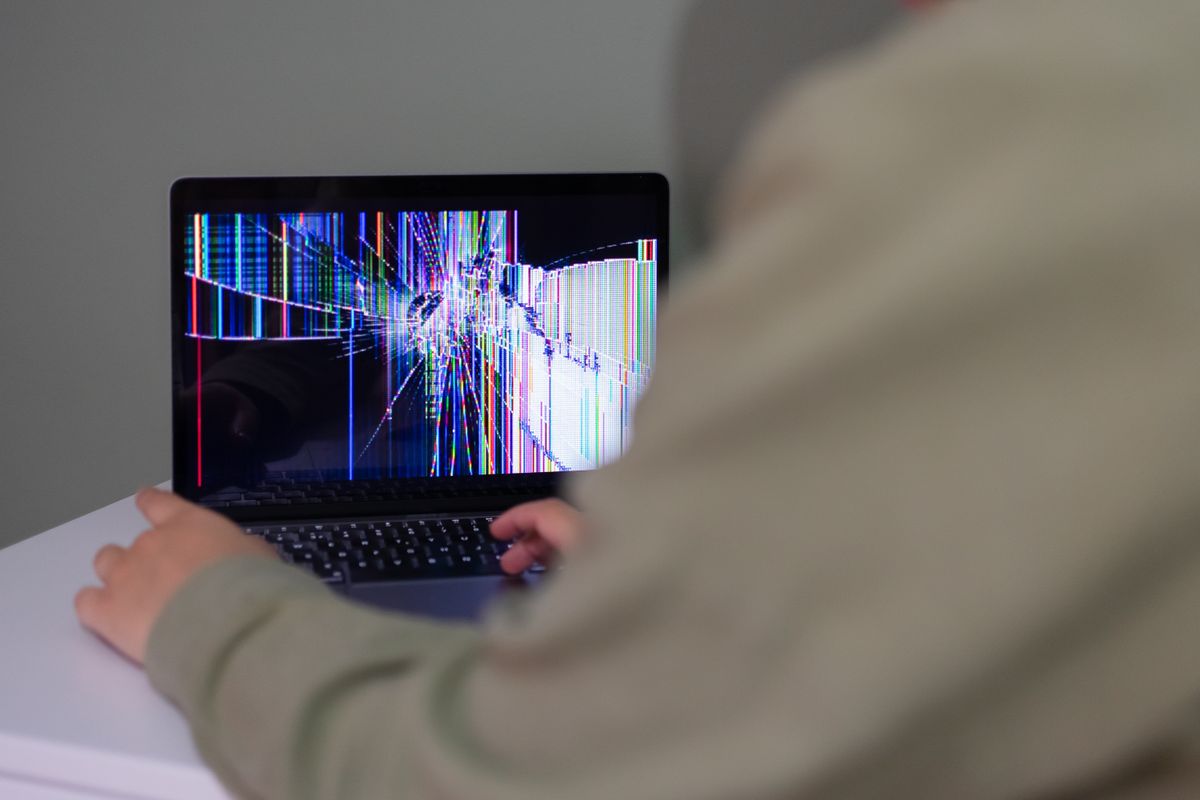
A damaged or blank laptop screen doesn’t always mean the screen itself has failed. These checks help you work out what’s wrong, protect your files, and decide on the next step.
1. Plug in an external monitor
Connect the laptop to a TV or monitor with an HDMI or USB-C cable. If the picture shows on the external display, the laptop is working and the fault is the screen or its cable. If nothing shows on either, the problem is likely elsewhere, such as power or the graphics hardware.
2. Check brightness and restart
A screen that looks black may just be set to zero brightness. Try the brightness keys, then restart the laptop fully.
3. Lines or flicker that change when you move the lid
If lines, flicker or a blank screen change as you open and close the lid, the display cable or hinge area is a likely cause. Avoid opening and closing it repeatedly, as that can make it worse.
4. Flicker on Windows
Update your graphics driver through Windows Update or the laptop maker’s support app, and check the refresh rate in Settings, then System, then Display, then Advanced display.
5. A cracked screen
Stop pressing on the crack and close the lid gently, as cracks tend to spread. If the screen still works, back up your important files. A cracked screen is a straightforward replacement, and the rest of your laptop stays as it is.
What a screen repair costs
At PC Laptop Repair in Ilford, laptop screen replacement starts from £100 for standard HD screens and £140 for touch or high-res screens, for labour. MacBook screen replacement starts from £150. The screen is quoted for your exact model before any work starts, and diagnosis is free.
Frequently asked questions
How do I know if it’s the screen or the laptop?
Plug in an external monitor. If the picture shows there, the laptop is working and the fault is the screen or its cable.
Can a cracked laptop screen be replaced?
Yes. Most laptop screens can be replaced, and the repair leaves your files untouched.
How much does laptop screen replacement cost?
At PC Laptop Repair in Ilford, labour starts from £100 for standard HD screens, £140 for touch or high-res screens and £150 for MacBook screens. The screen is quoted for your model.
Call 07856 990719 or message us on WhatsApp for a free diagnosis and an upfront quote. Open 7 days, 7am to 10pm, in Ilford (IG4).
No responses yet