
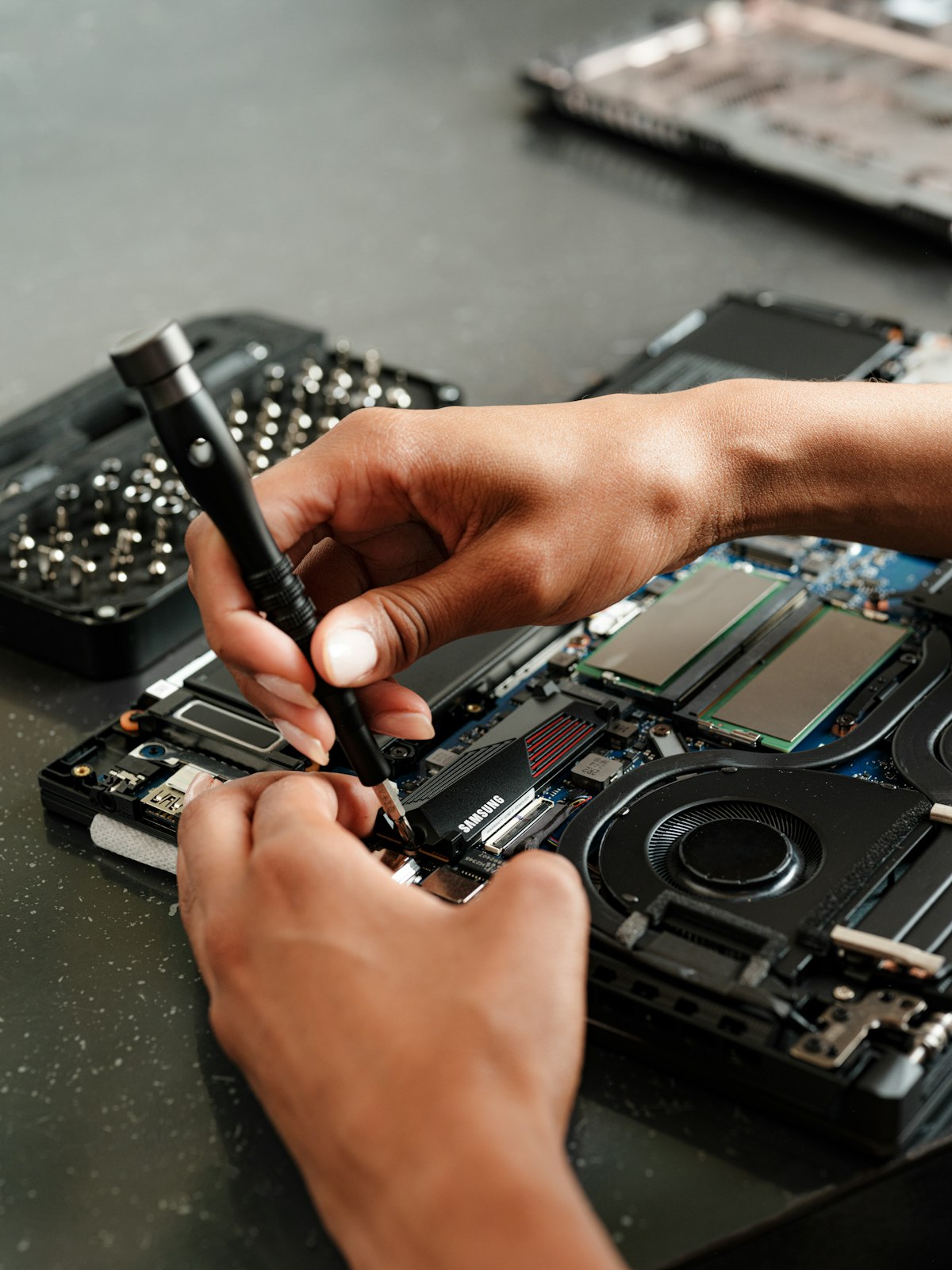
When some of your laptop keys stop working, it can be a setting, a driver, dirt under the keys, or the keyboard itself. Work through these checks in order. Several of them take less than a minute.
1. Restart the laptop
A full restart clears temporary glitches. On Windows, use Restart from the Start menu rather than closing the lid.
2. Check Num Lock, Fn Lock and Filter Keys
If letters type numbers, Num Lock may be on. If the top row behaves oddly, try the Fn Lock key. On Windows, open Settings, then Accessibility, then Keyboard, and make sure Filter Keys and Sticky Keys are switched off.
3. Clean under the keys
Crumbs and dust can stop keys pressing properly. Switch the laptop off, tilt it, and use short bursts of compressed air around the keys. Avoid pulling keys off, as the clips break easily.
4. Update or reinstall the keyboard driver
On Windows, open Device Manager, expand Keyboards, right-click your keyboard and choose Update driver. If that doesn’t help, choose Uninstall device and restart: Windows reinstalls the driver automatically.
5. Test outside Windows
Restart and press the key that opens the BIOS or setup screen for your laptop. If the keys work there but not in Windows, the problem is software. If they don’t work there either, it’s the keyboard or its connection.
6. A liquid spill
If keys stopped after a spill, switch the laptop off, unplug it, turn it upside down to drain and don’t switch it on to test it. Liquid can damage the keyboard and the parts underneath, so get it checked as soon as you can.
7. A worn or damaged keyboard
Keys that only work when pressed hard, repeat letters, or have stopped completely usually mean the keyboard needs replacing. In the meantime, a USB keyboard or the Windows on-screen keyboard will keep you working.
When to get it repaired
If the checks above don’t fix it, the keyboard or its connection needs a repair. Laptop keyboard replacement starts from £45 for labour, with the keyboard quoted for your exact model, and diagnosis is free. We replace keyboards on all makes, including MacBooks.
Frequently asked questions
Why are some keys on my laptop not working?
The most common causes are dirt under the keys, a setting such as Filter Keys or Num Lock, a driver problem, liquid damage, or a worn keyboard.
Can a laptop keyboard be replaced?
Yes. Most laptop keyboards can be replaced. At PC Laptop Repair in Ilford, keyboard replacement starts from £45 for labour.
What should I do after spilling a drink on my laptop?
Switch it off, unplug it, turn it upside down to drain and avoid switching it on. Bring it in for a check as soon as you can.
Call 07856 990719 or message us on WhatsApp for a free diagnosis and an upfront quote. Open 7 days, 7am to 10pm, in Ilford (IG4).
No responses yet